AI Autopilot
Guest messaging that runs itself
Autopilot answers guest messages around the clock and hands you the ones it shouldn't answer alone. You decide how confident it has to be, which topics it owns and which properties it covers.
- 💬 750K+ messages sent and counting

You stay in control
24/7 coverage
Guests get an answer at 3am without anyone being awake for it. A timed schedule can limit sending to the hours you choose.
A confidence threshold you set
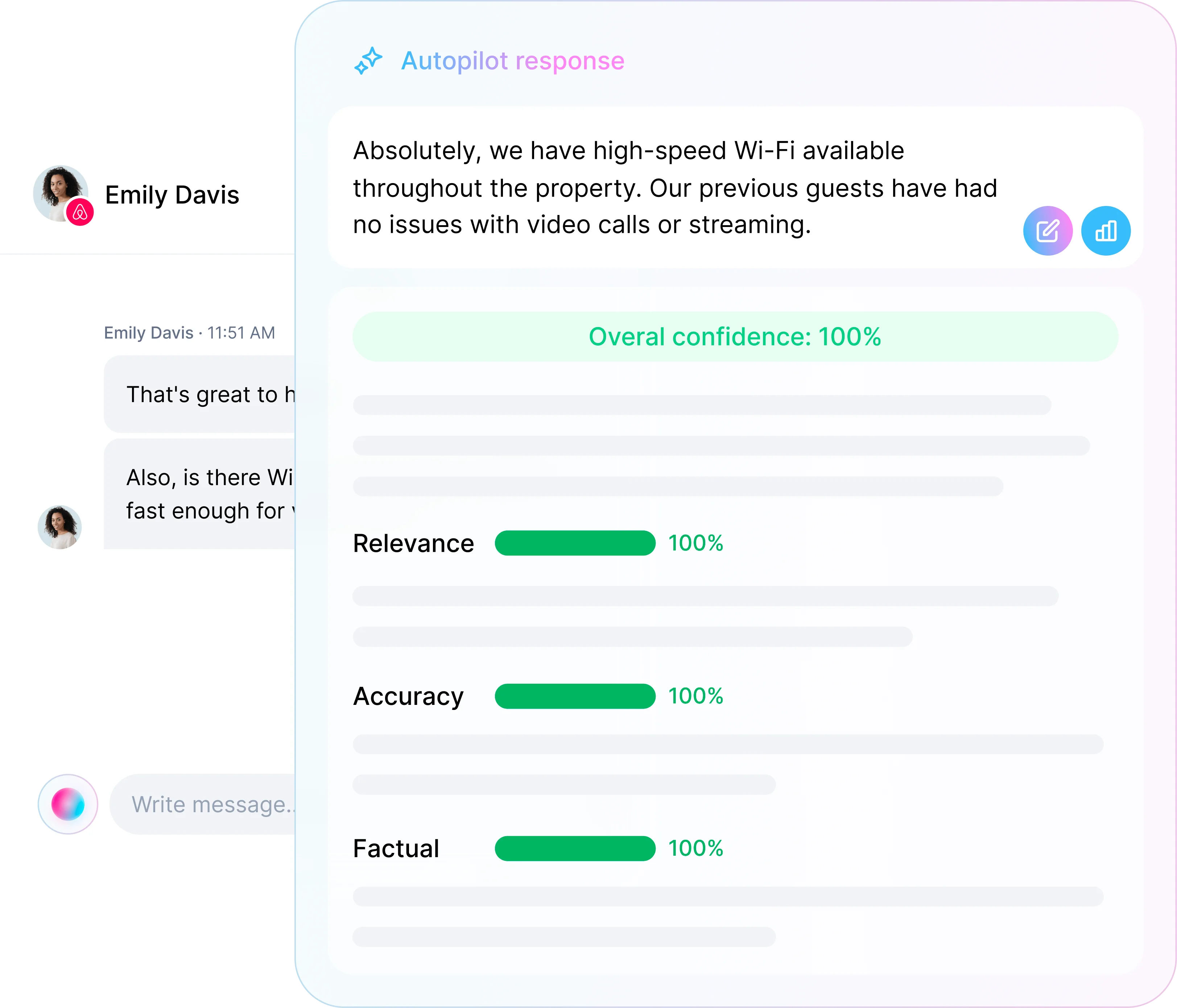
Replies below your threshold are escalated for review instead of sent, and the setting shows how many past messages each level would have automated.
Topic-by-topic control
Turn Autopilot on topic by topic, from check-in questions to discount requests, and tell it in your own words how each one should be handled.
Approval holds
Mark a topic as approval required and Autopilot drafts those replies and waits for you, while the rest keep sending.
Sentiment escalation
Conversations where a guest sounds frustrated are escalated automatically, with an optional short holding reply so nobody waits in silence.
Property by property
Choose which properties Autopilot manages, and whether newly connected properties are covered automatically.
Every reply scored before it sends
Autopilot scores each draft it writes. Above your threshold it sends; below it, the conversation comes to you with the draft ready. A short response delay gives you room to step in before anything leaves.
Put guest messaging on Autopilot
Get set up in 1 minute · Free for 14 days · No credit card required
Works with






All the superpowers you get with ProhostAI
AI Workflows
Create AI-powered workflows that automate tasks like sending messages, creating cleanings, or notifying your team when events happen.
Learn more →AI Messaging
AI replies to guests in your voice. Use Suggestions to review every reply, or turn on Autopilot for 24/7 coverage.
Learn more →AI Memory
Self-improving AI Memory learns about your properties and communication style with no manual training required.
Learn more →Cleanings
Automatically schedule cleanings after guest check-outs. Auto-assign cleanings to cleaners. Auto-notify guests about completed cleans.
Learn more →Scheduled Messages
Create message rules that automatically send to guests on booking confirmation, check-in, and check-out.
Learn more →AI Task Management
Automatically generate and manage tasks from messages and reviews left by your guests. Auto-assign & Auto-notify team members about new tasks.
Learn more →Upsells
Earn more revenue with automated upsells by filling gap nights and selling extra services.
Learn more →Reviews
Write reviews for guests with AI. Automatically analyze reviews and generate maintenance tasks.
Learn more →Guidebooks
Automatically create beautiful guidebooks with AI. Share them with your guests to provide a better experience and reduce questions.
Learn more →Direct Booking
Launch your own professional booking website. Accept direct reservations with secure payments and real-time availability.
Learn more →Guest CRM
Unified guest profiles with complete stay history, spending insights, and contact details across all your properties.
Learn more →Multicalendar
View bookings, gaps, and guests across all your listings in one place on web and mobile.
Learn more →Analytics Dashboard
Monitor response times, AI messaging performance, and cleaner ratings.
Learn more →Mobile apps
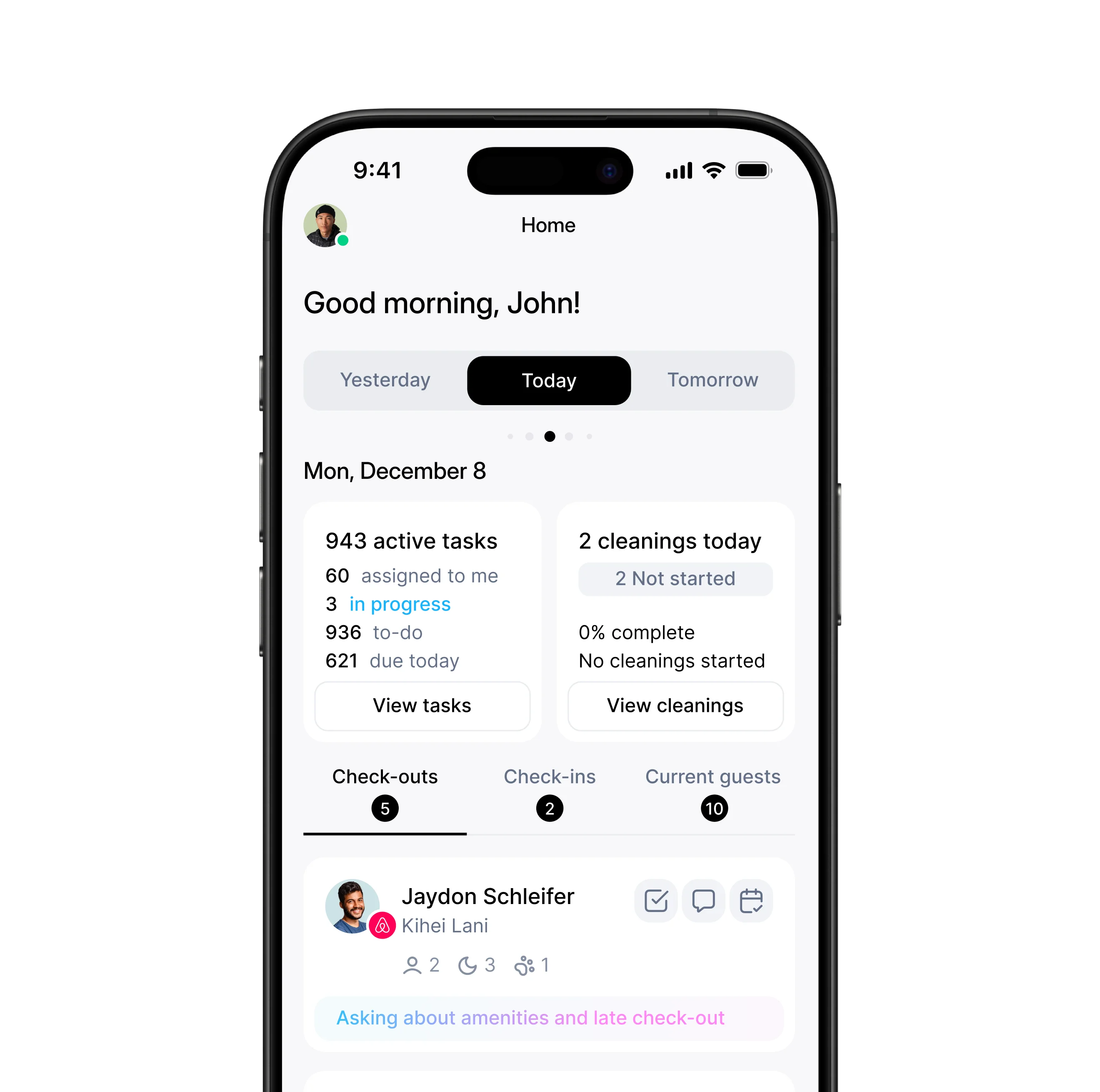
Access all features on iOS and Android. Manage your business from anywhere.
Learn more →Push Notifications
Never miss important updates, messages, or urgent tasks.
Team Collaboration
Team chat with real-time presence, typing indicators, read receipts, and group chats. Share photos and see related tasks.
Learn more →Smart Devices
Connect 200+ smart-device brands. Automate guest access codes, temperature schedules, noise alerts, and device activity logs.
Learn more →AI Employees
Named AI teammates with their own personality, goals, and heartbeat. Auditable runs, voice, and shared memory.
Learn more →AI Phone
Voice calls inside your inbox. Recordings, transcripts, and AI summaries on every call.
Learn more →
Download the app
Get instant access to Prohost on your mobile device. Available for iOS and Android.


AI Autopilot FAQ
Does Autopilot send every reply on its own?
No. It sends only replies above the confidence threshold you set, for the topics you turn on. Everything else comes to you with a draft ready, or waits for your approval.
What happens when Autopilot isn't sure?
You choose. It can send a short holding reply and flag the conversation for you, or send nothing and notify you with the draft waiting.
Can I limit it to certain hours?
Yes. A timed schedule limits automatic sending to specific hours each day in your timezone, so overnight messages can wait for a person if you prefer.
Can I choose which properties it covers?
Yes. Pick the properties Autopilot manages and decide whether newly connected properties are added automatically.
Does it get better over time?
Yes. Every message you send, edit or correct feeds AI Memory, and the next reply uses it.