Connecting your Hostaway account
How to sync your listings from Hostaway to ProhostAI
約 5 分で読めます初級
To connect Hostaway to ProhostAI, go to Listings → Add listings → Add connection → Hostaway in ProhostAI, then create an API key in the Hostaway marketplace and paste your Account ID and API key back into ProhostAI. Your listings import automatically and the AI starts learning from your past messages. Setup takes about 5 minutes.
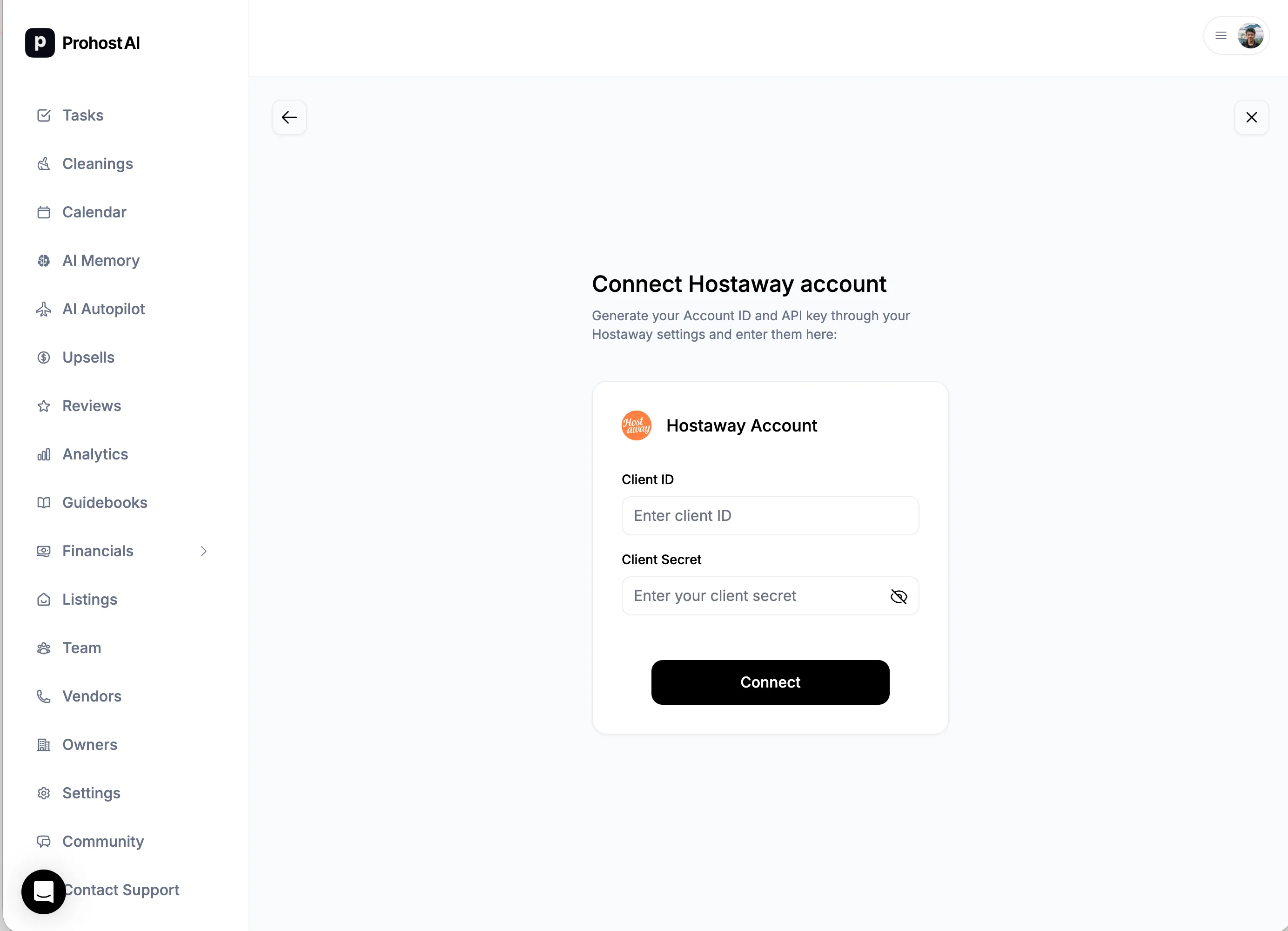
To connect your Hostaway account, in ProhostAI, go to Listings => Add listings => Add connection => Hostaway until you reach this page.
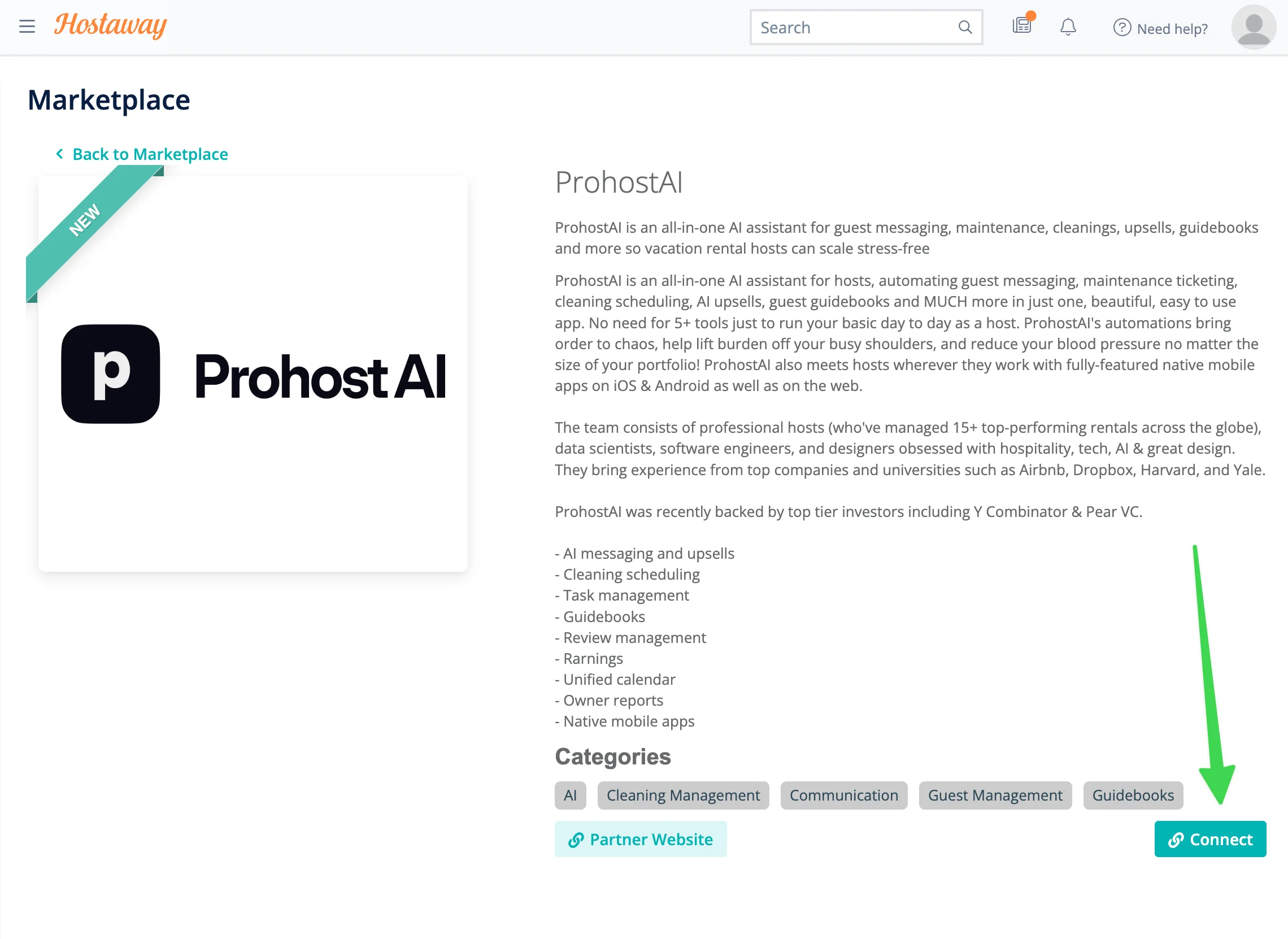
Then in Hostaway, go to https://dashboard.hostaway.com/v3/marketplace/prohostai.
You can also go there by opening Hostaway => Marketplace => Scroll down to find ProhostAI.
Then, hit "Connect" in bottom right.
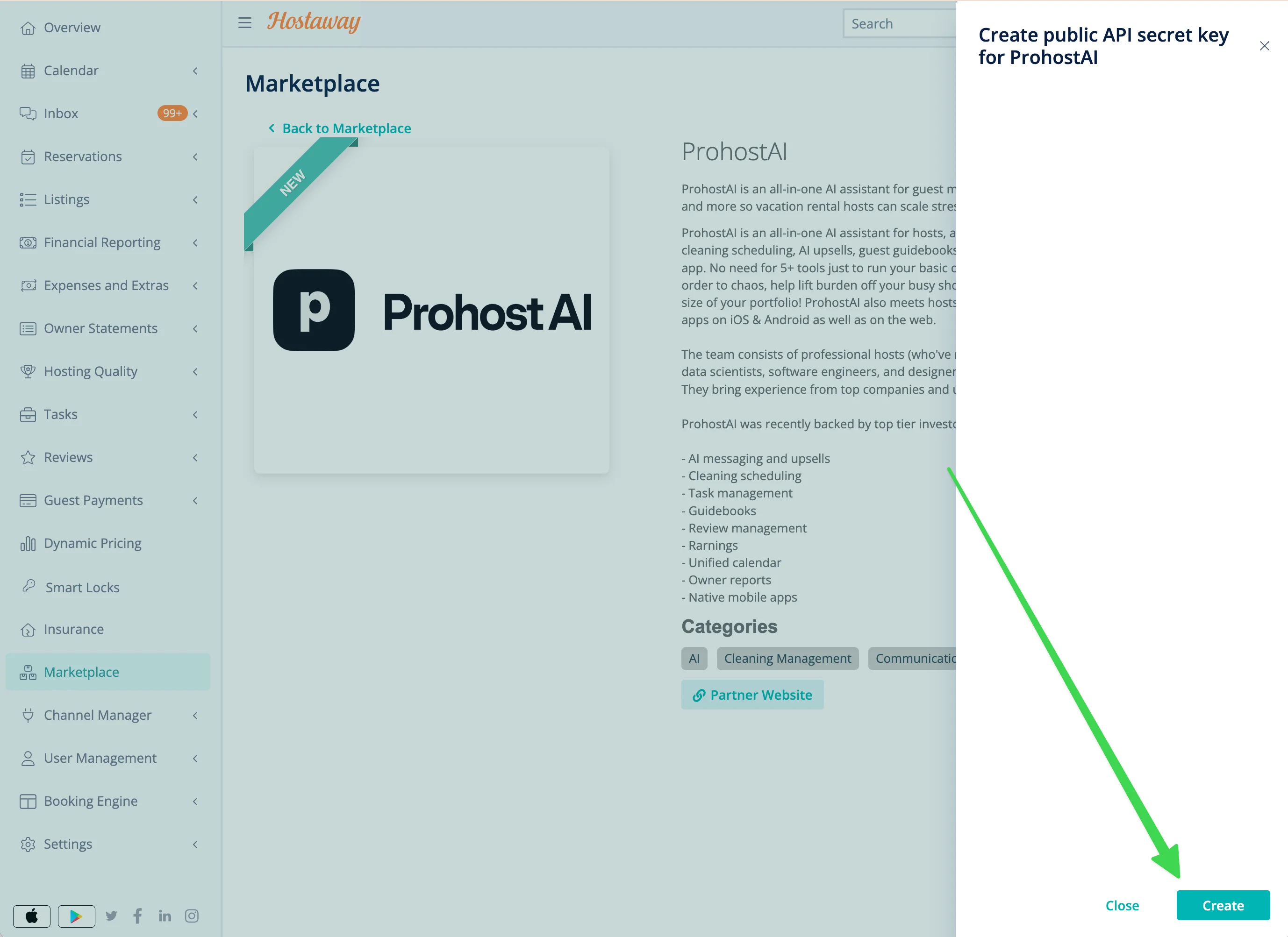
Hit "Create API key" on bottom right.
You will see your Account ID and API key. Copy and paste these into the ProhostAI window you reached at the beginning.
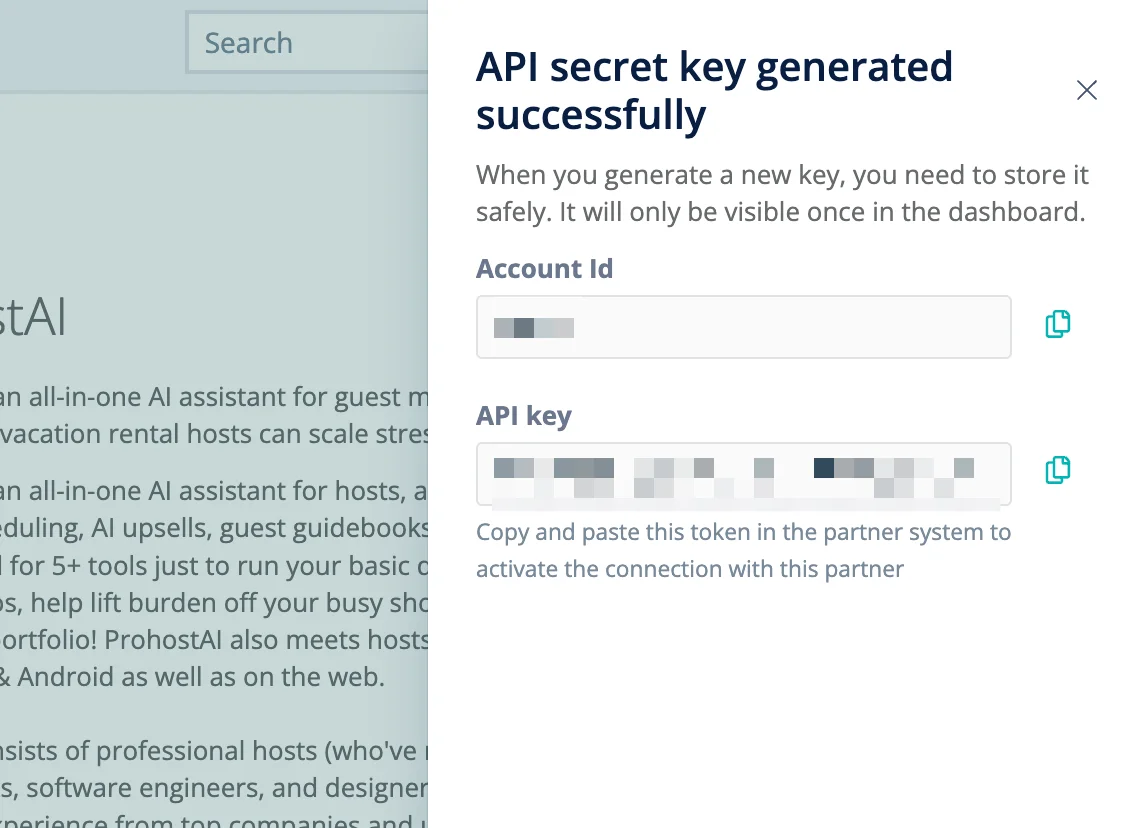
In ProhostAI, after entering the Account ID & API Key, hit "Connect". Your listings will be imported. Depending on your listing count, it might take several minutes to finish.
You are all set! You will start seeing AI memories populated in your account as the AI reads your past messages and learns about your listings and hosting rules.
お困りですか?
よくある質問では、特に多く寄せられる質問にお答えしています。